Need help?
Most frequently asked questions
General
Setting up a fundraiser
Editing the fundraiser



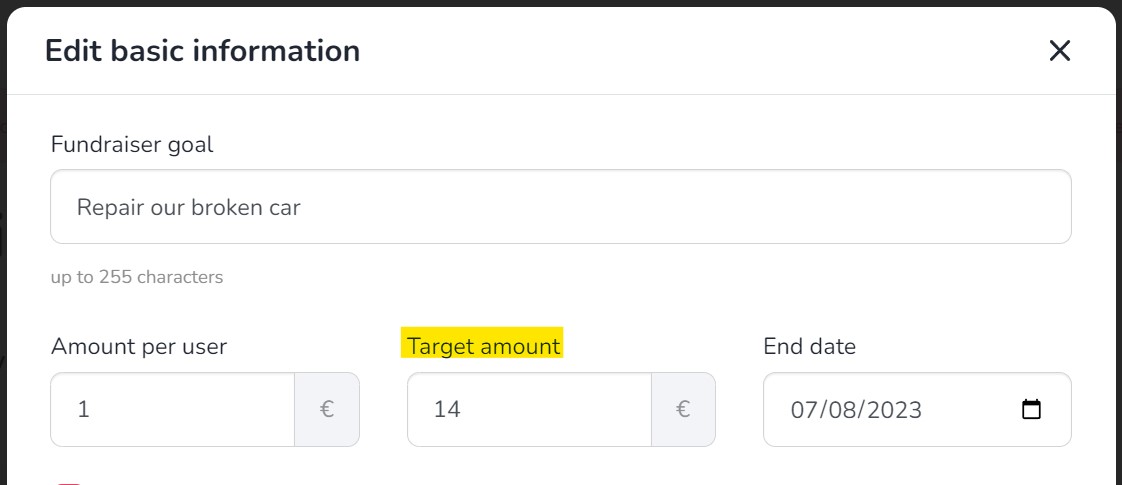
Fundraiser management


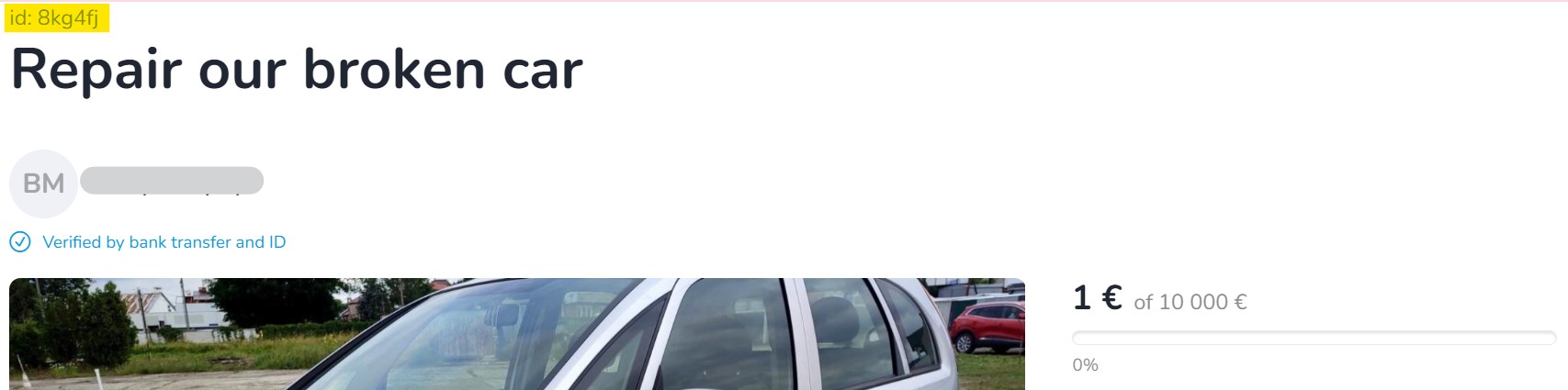
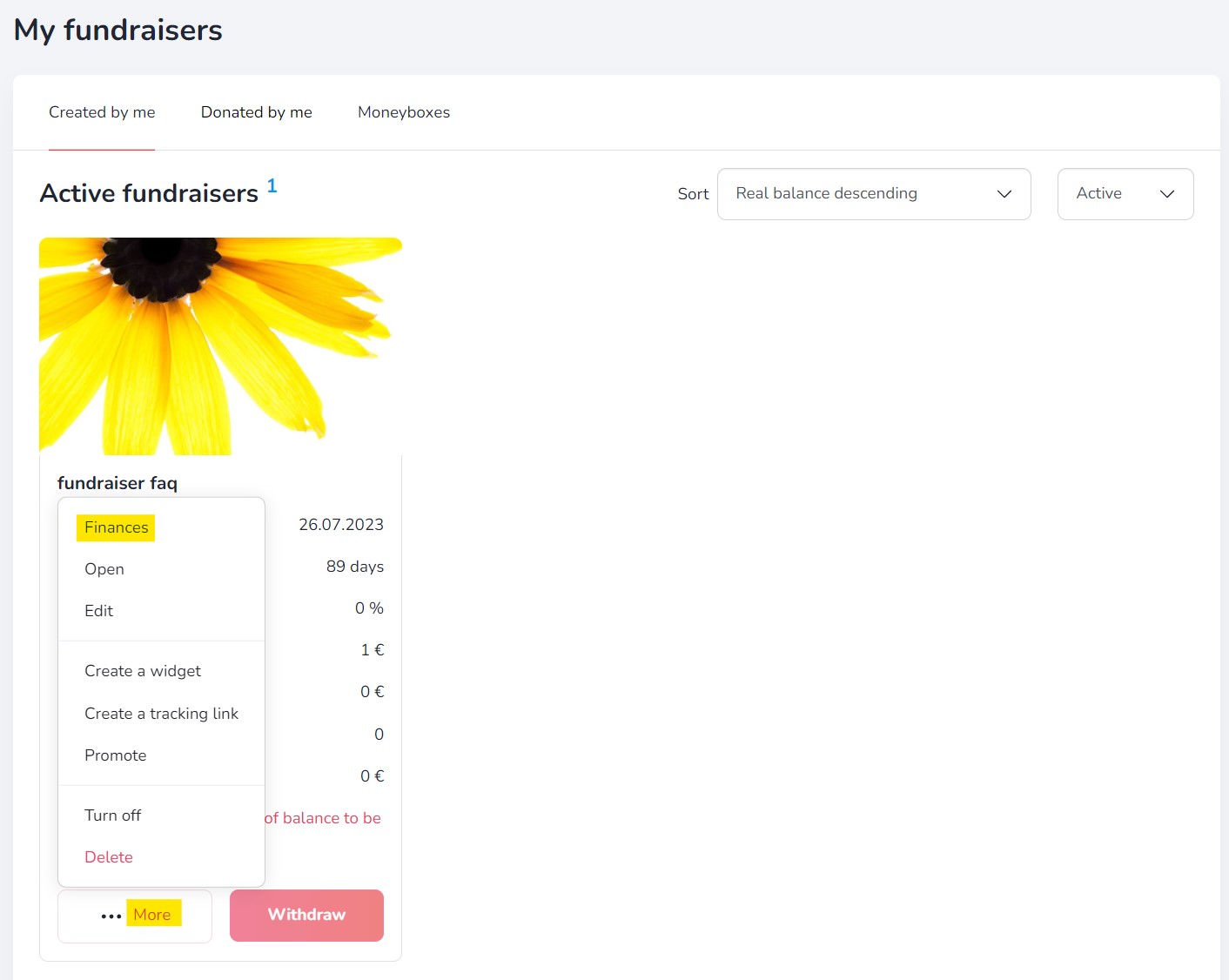
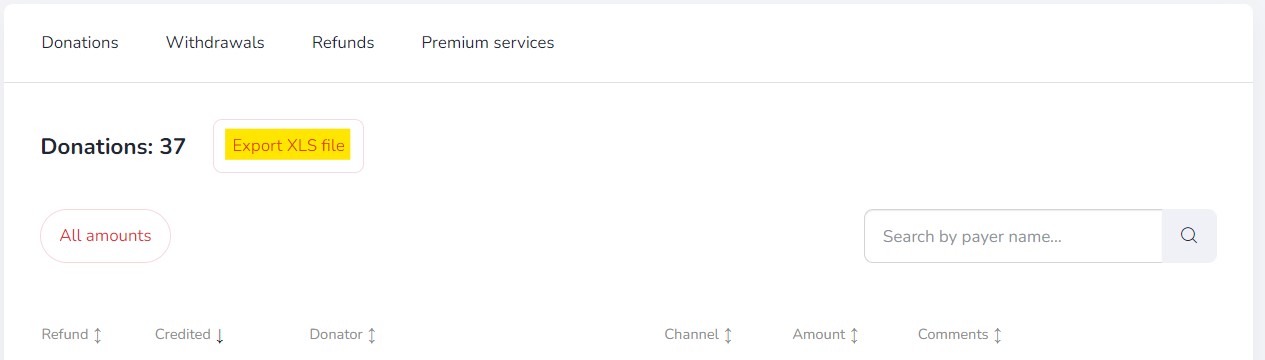
Additional features
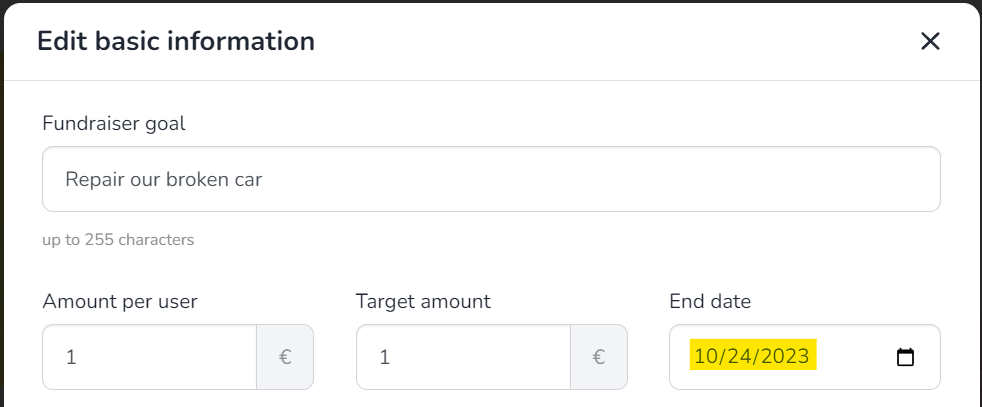
End of fundraiser
General
Profile verification
Organisation verification
Fundraiser description verification
General
General
Donations
Account management
Reccuring fundraisers
Profile settings
Reccuring payments
Withdrawals
Notifications
Support tiers
How to add a support tier?
How to add a support tier?
Adding support tiers is very simple:
- Go to your recurring fundraiser (you can find it on the “My fundraisers” page).
- Click the “Add support tier” button below the section showing the total amount raised, the number of donors and the monthly contributions.
- Enter the support tier details, such as the title, contribution amount and description.
- Once everything is ready, click the “Save” button. Your support tier will then be visible on your fundraising page.
You can find a detailed step-by-step guide on our blog.
Taxes & Invoices
Other
Other
Other

Other
Other
Are you looking for a fundraiser?
No answer to your question above?
Log in to write to us via the contact form.