Need help?
Most frequently asked questions
General
Setting up a fundraiser
Editing the fundraiser
Managing the fundraiser
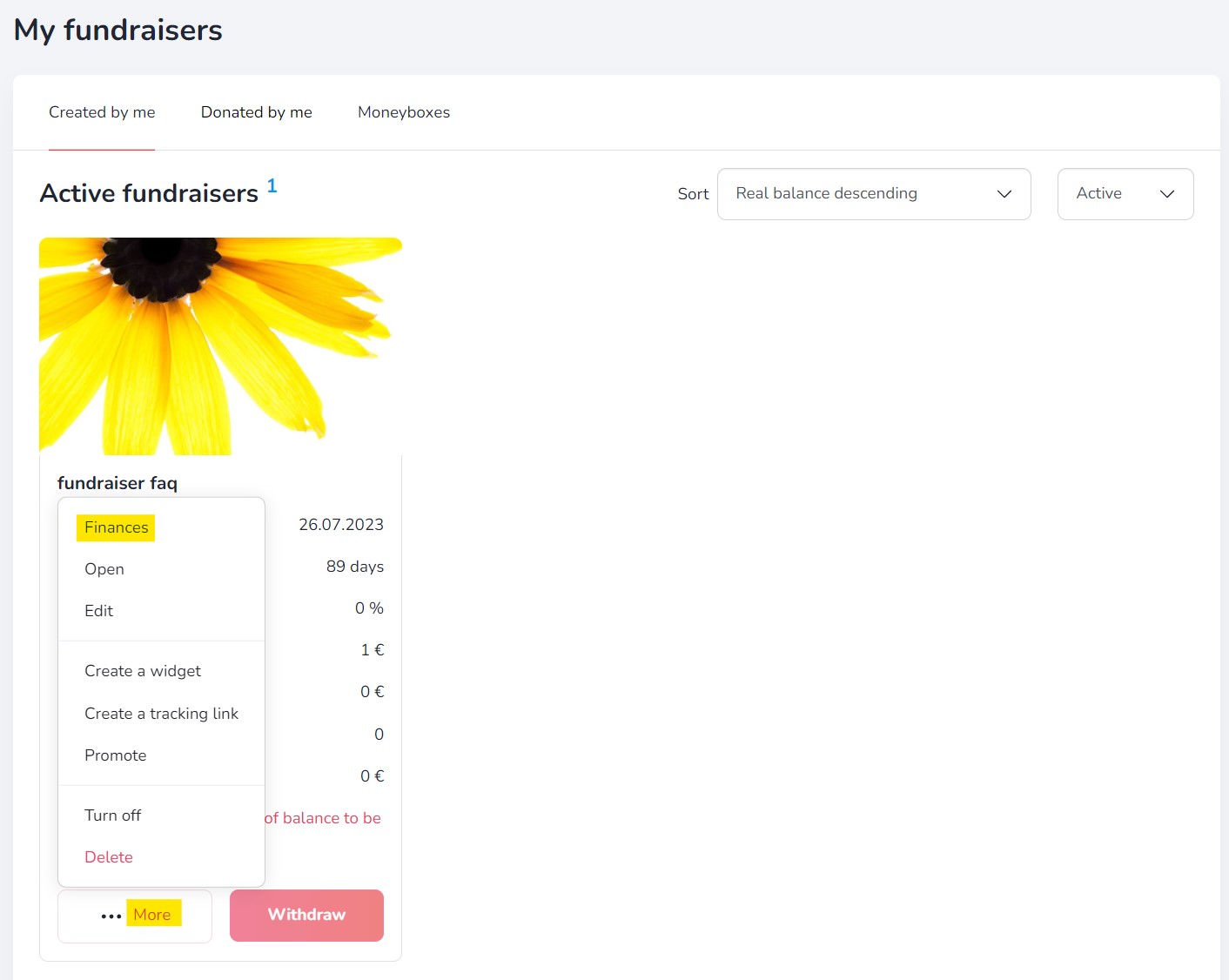
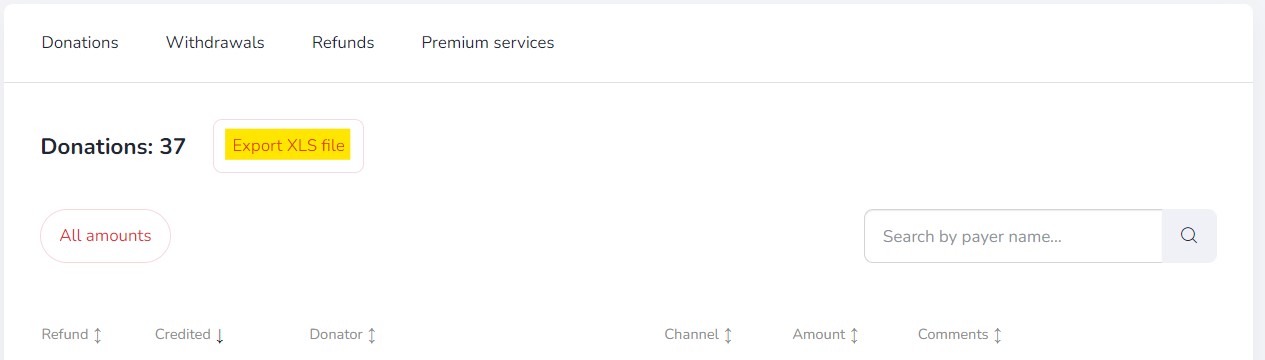
Additional features
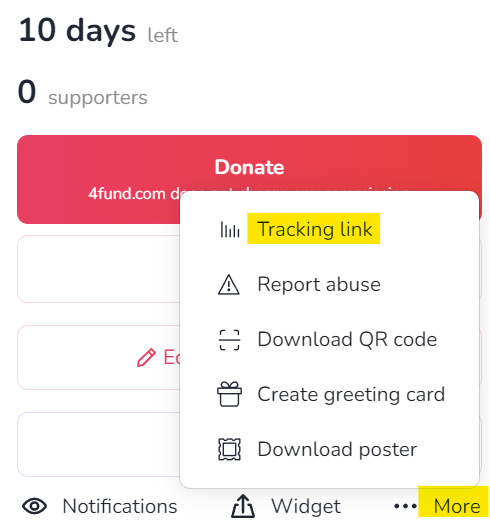
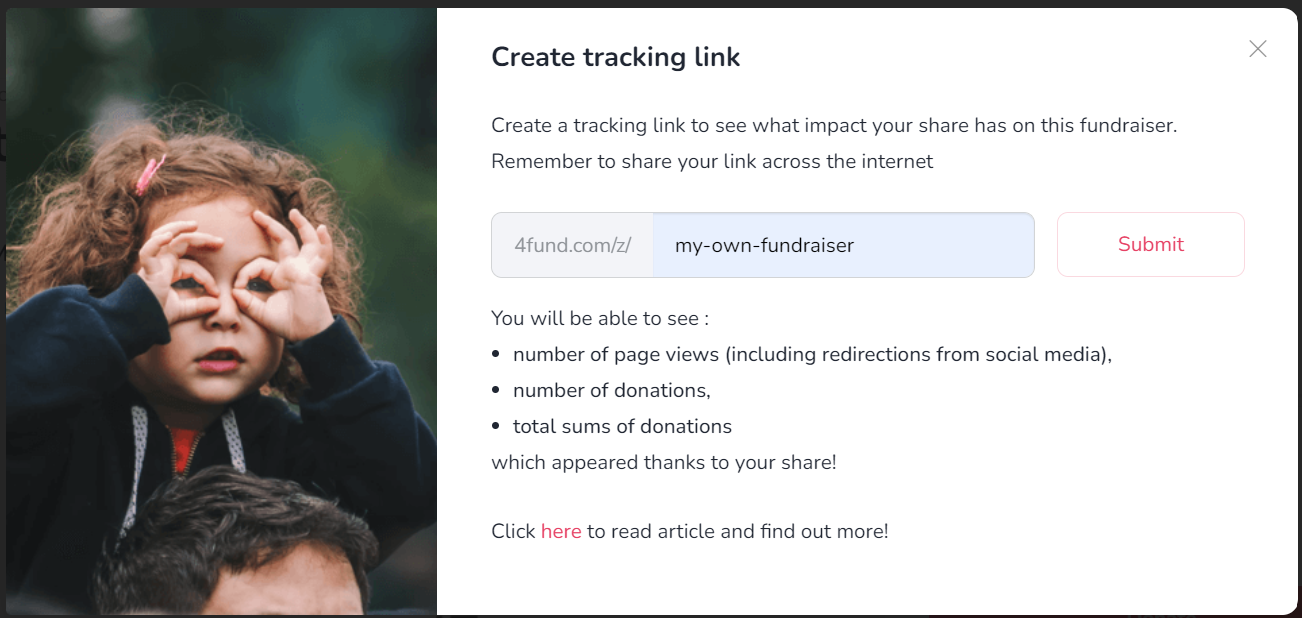
End of fundraiser
General
Profile verification
Organisation verification
Fundraiser description verification
General
General
Donations
Account management
Reccuring fundraisers
Profile settings
Reccuring payments
Withdrawals
Notifications
Support tiers
How to add a post in the support tier?
How to add a post in the support tier?
- After creating a support tier, click the “Manage” button next to the selected tier. Then choose “Add post.”
- Fill in the post details, such as the title, description and cover image.
- Select who can see the post – “For any tier” or “For this tier or higher”
- Click “Save” to publish the post.
From that moment, the content will be visible only to eligible supporters.
Taxes & Invoices
Other
Other
Other

Other
Other
Are you looking for a fundraiser?
No answer to your question above?
Log in to write to us via the contact form.