Need help?
Most frequently asked questions
General
Setting up a fundraiser
Editing the fundraiser
Managing the fundraiser
How can I make my fundraiser private?
How can I make my fundraiser private?
You can hide your fundraiser from the Fundraiser Catalogue and online search engines.
To change this setting:
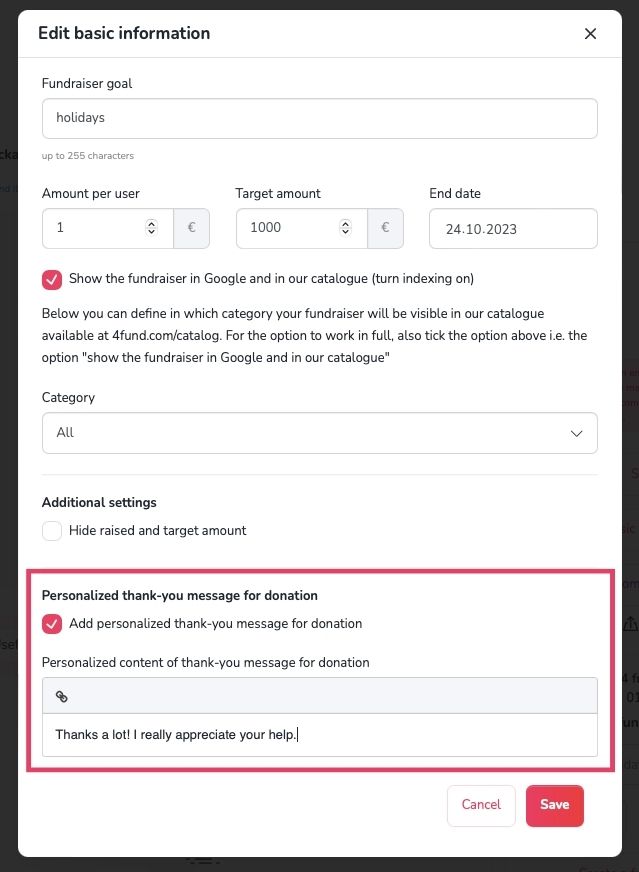
- Go to the ‘My fundraisers’ tab and choose the fundraiser you want to edit.
- Select ‘Edit’ on the right side of your fundraiser page.
- Uncheck ‘The fundraiser is visible in the fundraiser catalogue and online search engines. This makes it easier to find and support!’
- Select ‘Save’.
Please note that your fundraiser will still be accessible to anyone who has its link. If it has already appeared in search engine results, it may take some time for those results to be updated.
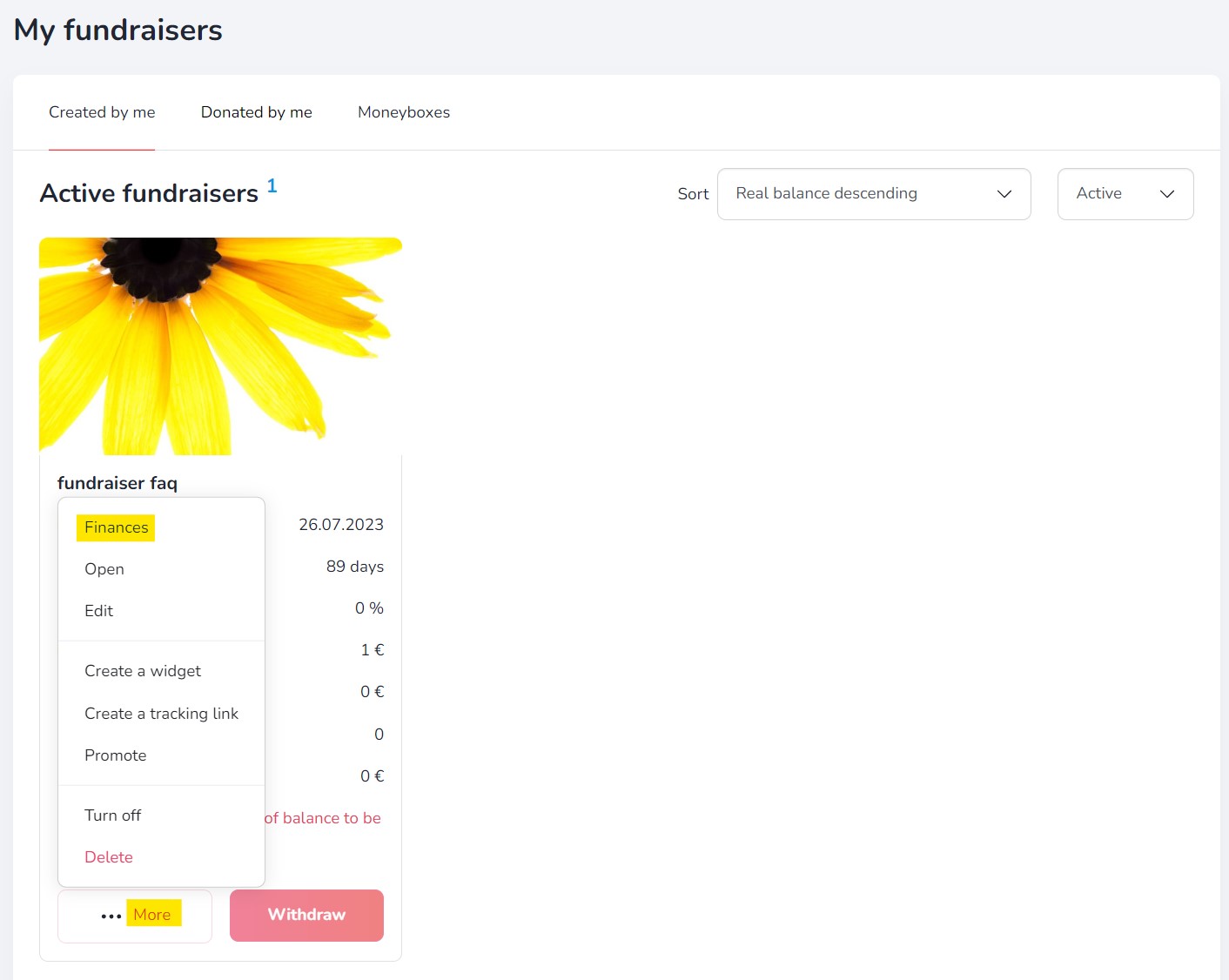
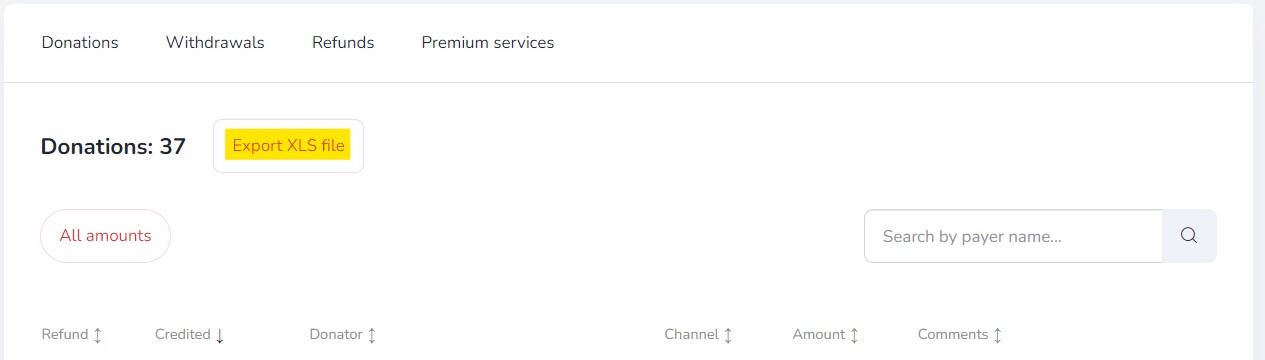
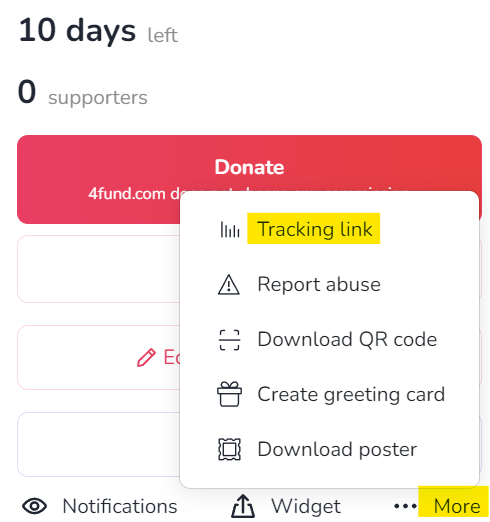
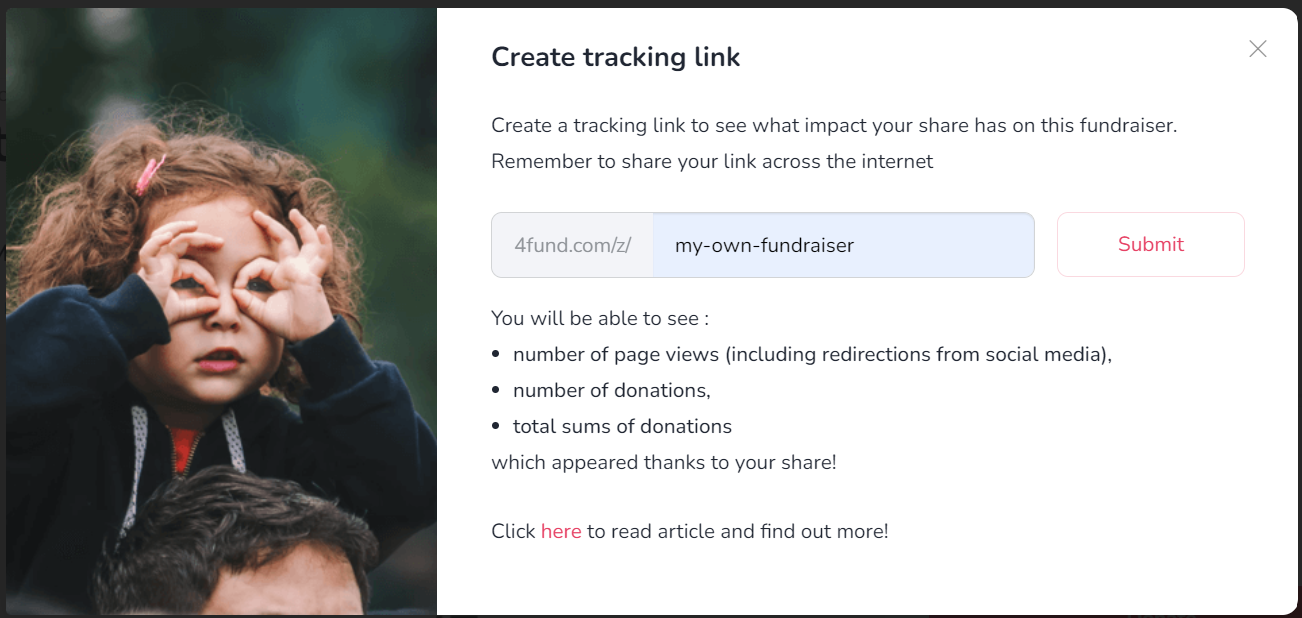
Additional features
End of fundraiser
General
Profile verification
Organisation verification
Fundraiser description verification
General
General
Donations
Account management
Reccuring fundraisers
Profile settings
Reccuring payments
Withdrawals
Notifications
Support tiers
Taxes & Invoices
Other
Other
Other

Other
Other
Are you looking for a fundraiser?
No answer to your question above?
Log in to write to us via the contact form.