Need help?
Most frequently asked questions
General
Setting up a fundraiser
Editing the fundraiser
Managing the fundraiser
Additional features



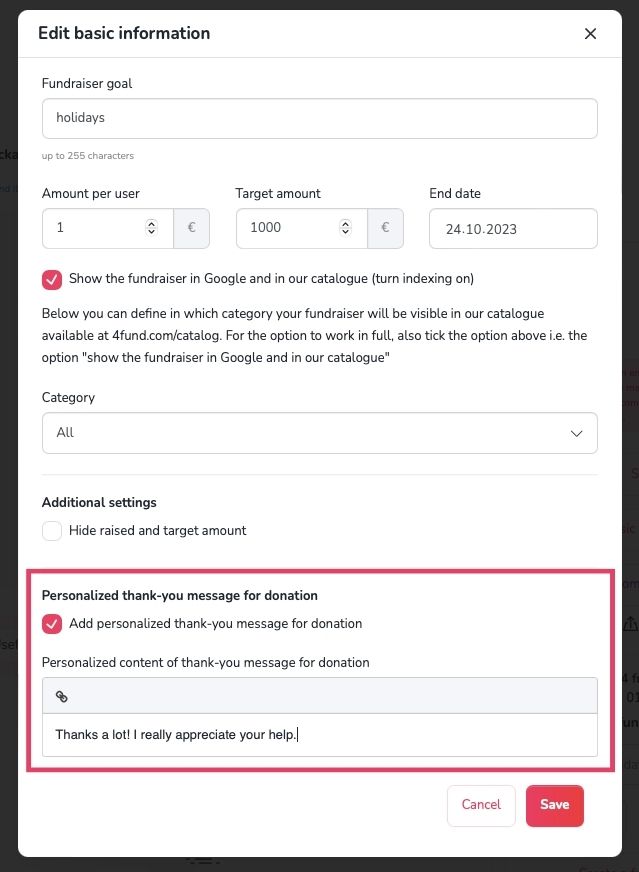
End of fundraiser
How do I delete or disable my fundraiser?
How do I delete or disable my fundraiser?
You can temporarily disable or permanently delete your fundraiser.
Disabling a fundraiser: Your fundraiser remains visible, but it no longer accepts new donations. You can re-enable it at any time.
Deleting a fundraiser: Your fundraiser will no longer be visible to visitors and cannot be re-enabled.
To disable or delete your fundraiser:
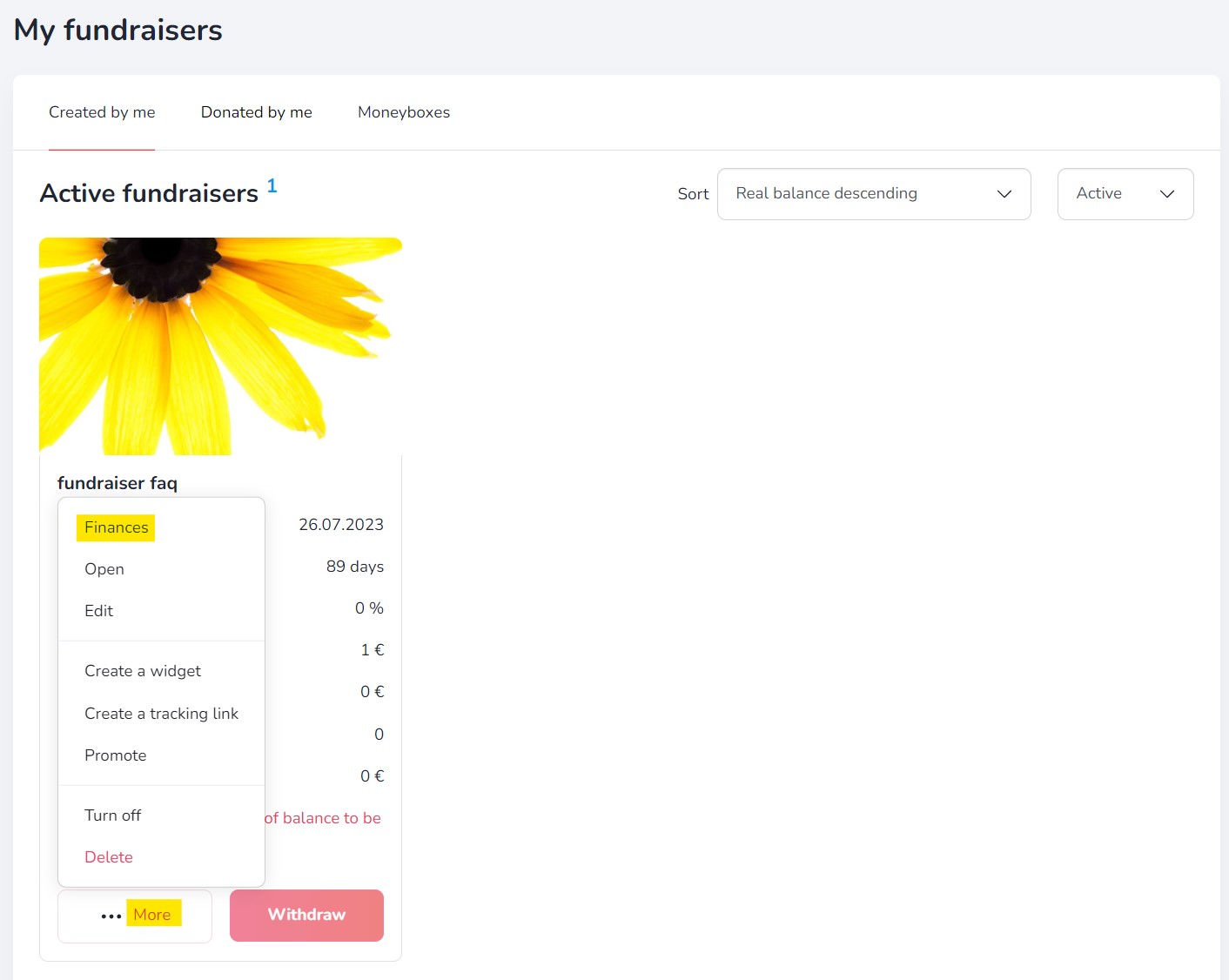
- Go to ‘My fundraisers’ tab.
- Select ‘More’ on the fundraiser you want to manage.
- Choose ‘Turn off’ or ‘Delete’ from the menu.
General
Profile verification
Organisation verification
Fundraiser description verification
General
General
Donations
Account management
Reccuring fundraisers
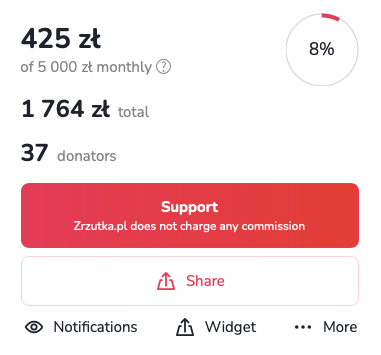
Profile settings
Reccuring payments
Withdrawals
Notifications
Support tiers
Taxes & Invoices
Other
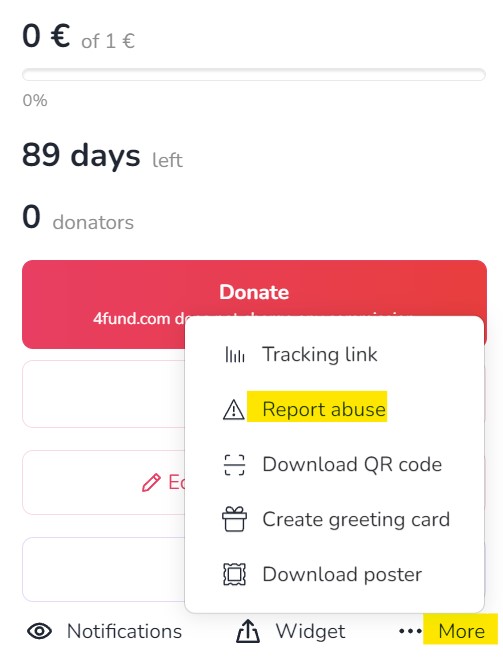
Other
Other

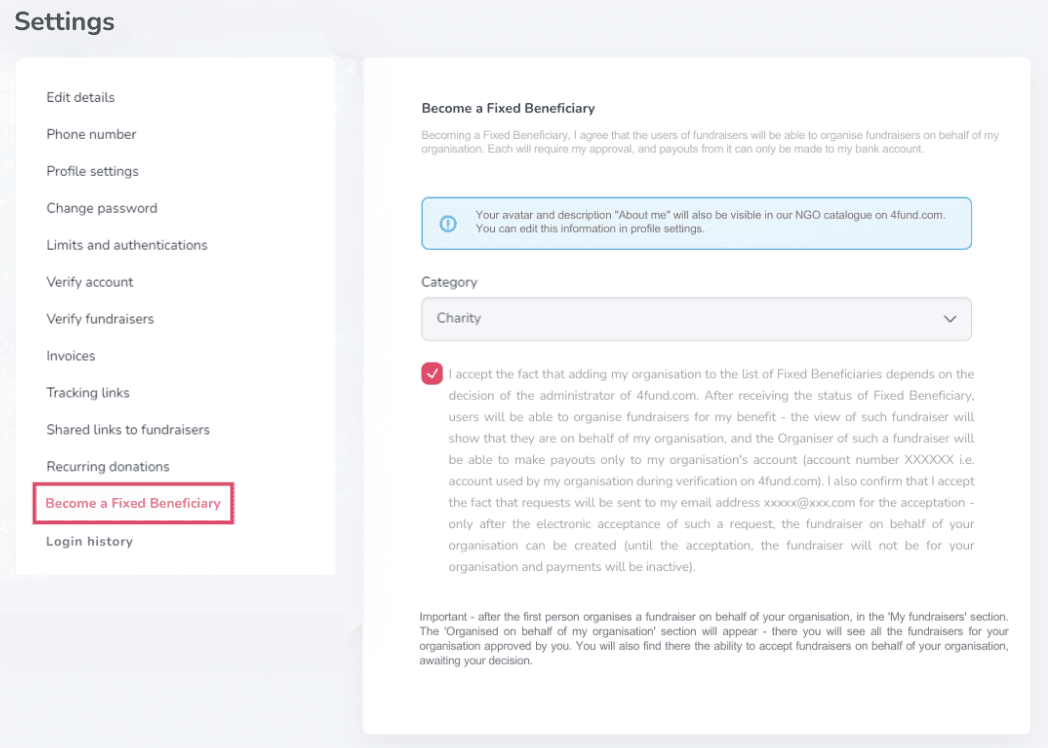
Other

Other



Are you looking for a fundraiser?
No answer to your question above?
Log in to write to us via the contact form.