Need help?
Most frequently asked questions
General
Setting up a fundraiser
Editing the fundraiser
Managing the fundraiser
How can I change the donation settings on my fundraiser?
How can I change the donation settings on my fundraiser?
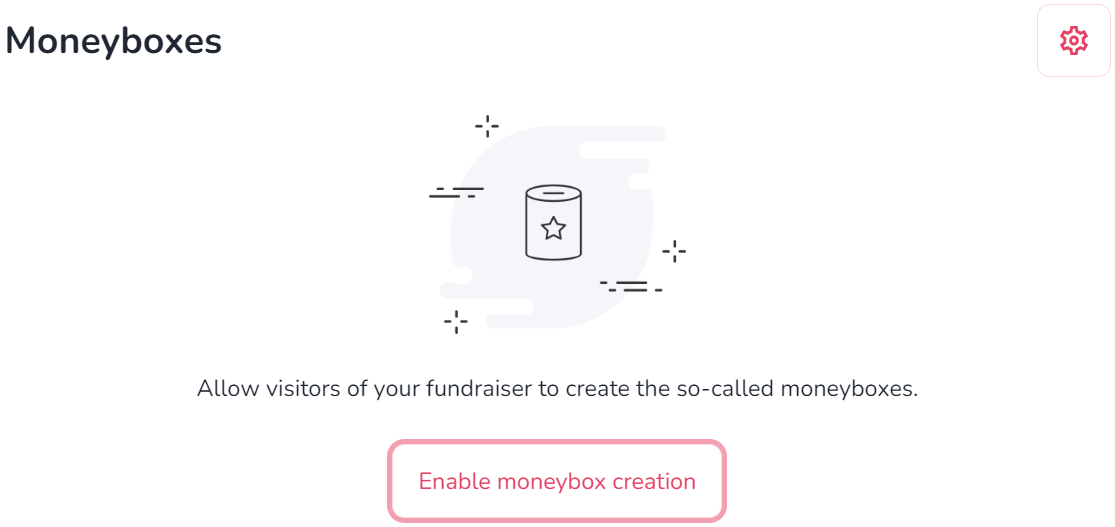
You can control how donations are displayed on your fundraiser and whether recurring donations are allowed. To do that:
- Open your fundraiser page and scroll to the ‘Donations’ section.
- Select the gear icon in the top-right corner of the section
- Adjust your settings. You can:
- Sort donations by amount or date.
- Show or hide donation amounts.
- Show or hide donor names. - Allow recurring donations.
- Select ‘Save’.
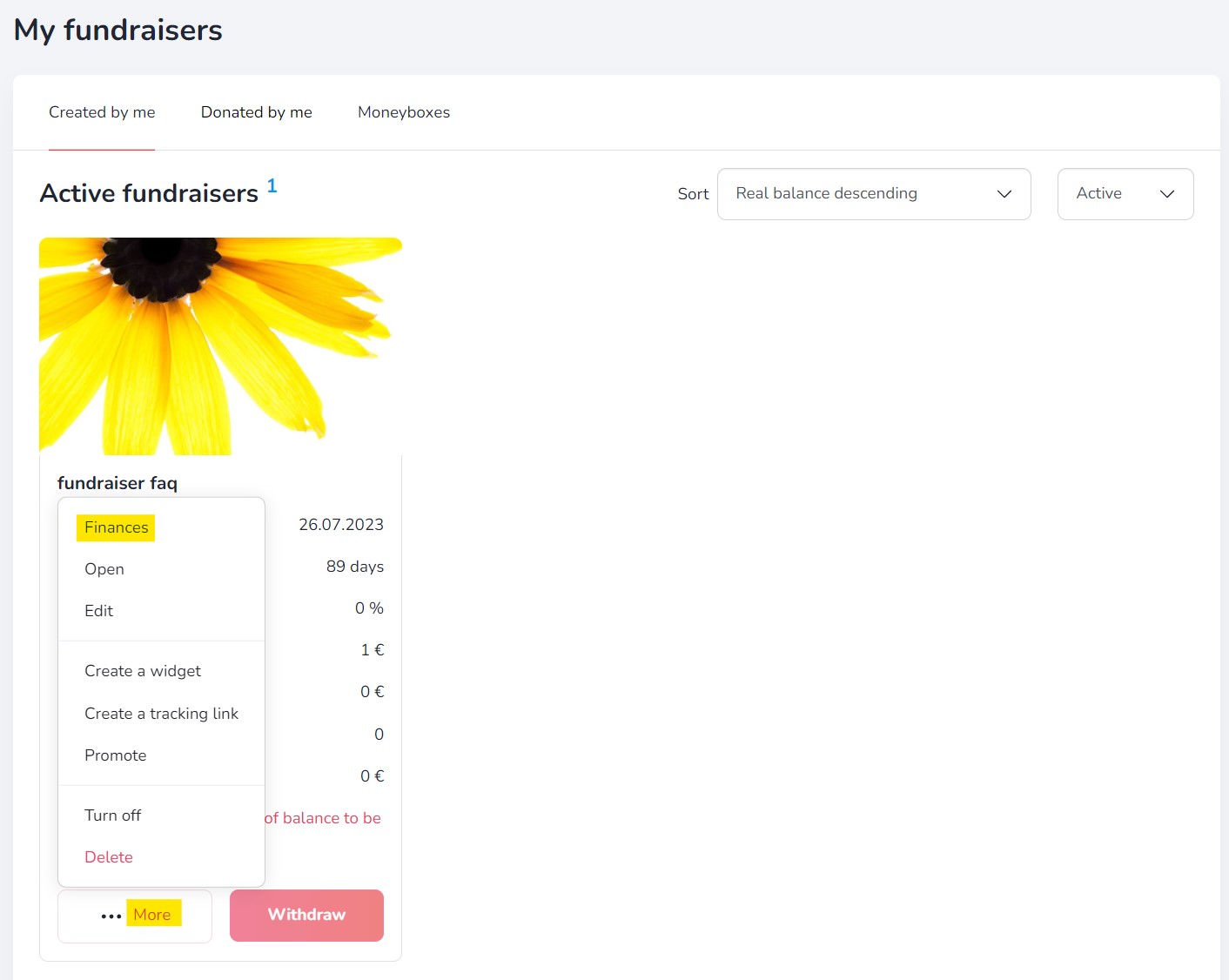
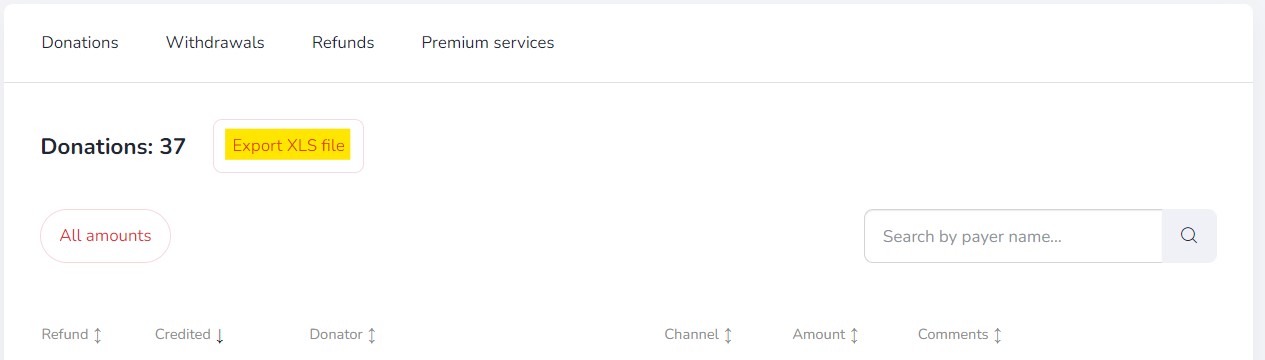
Additional features
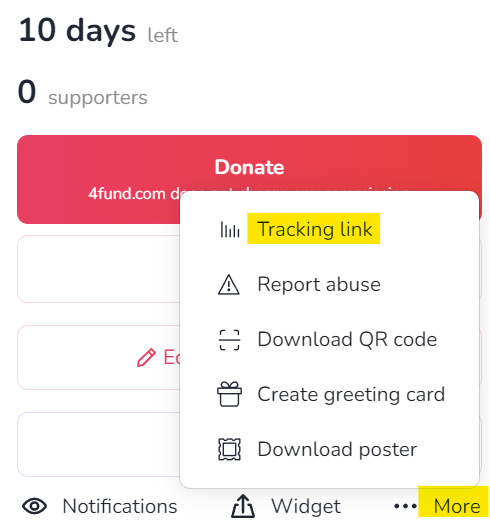
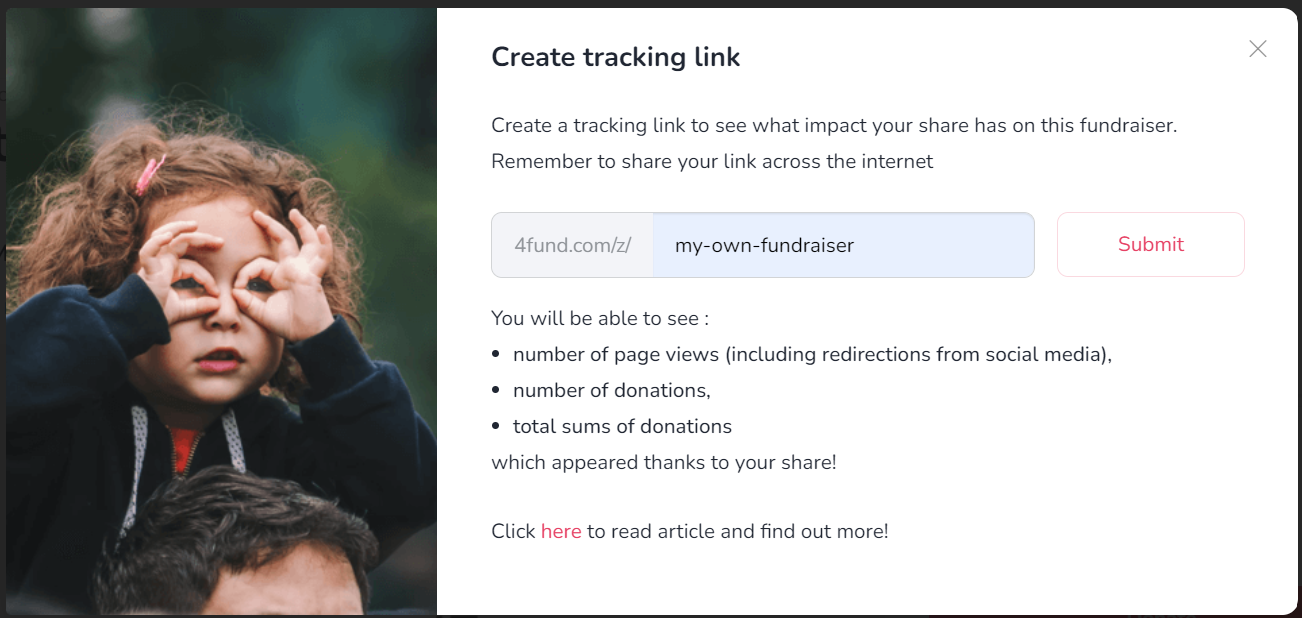
End of fundraiser
General
Profile verification
Organisation verification
Fundraiser description verification
General
General
Donations
Account management
Reccuring fundraisers
Profile settings
Reccuring payments
Withdrawals
Notifications
Support tiers
Taxes & Invoices
Other
Other
Other

Other
Other
Are you looking for a fundraiser?
No answer to your question above?
Log in to write to us via the contact form.