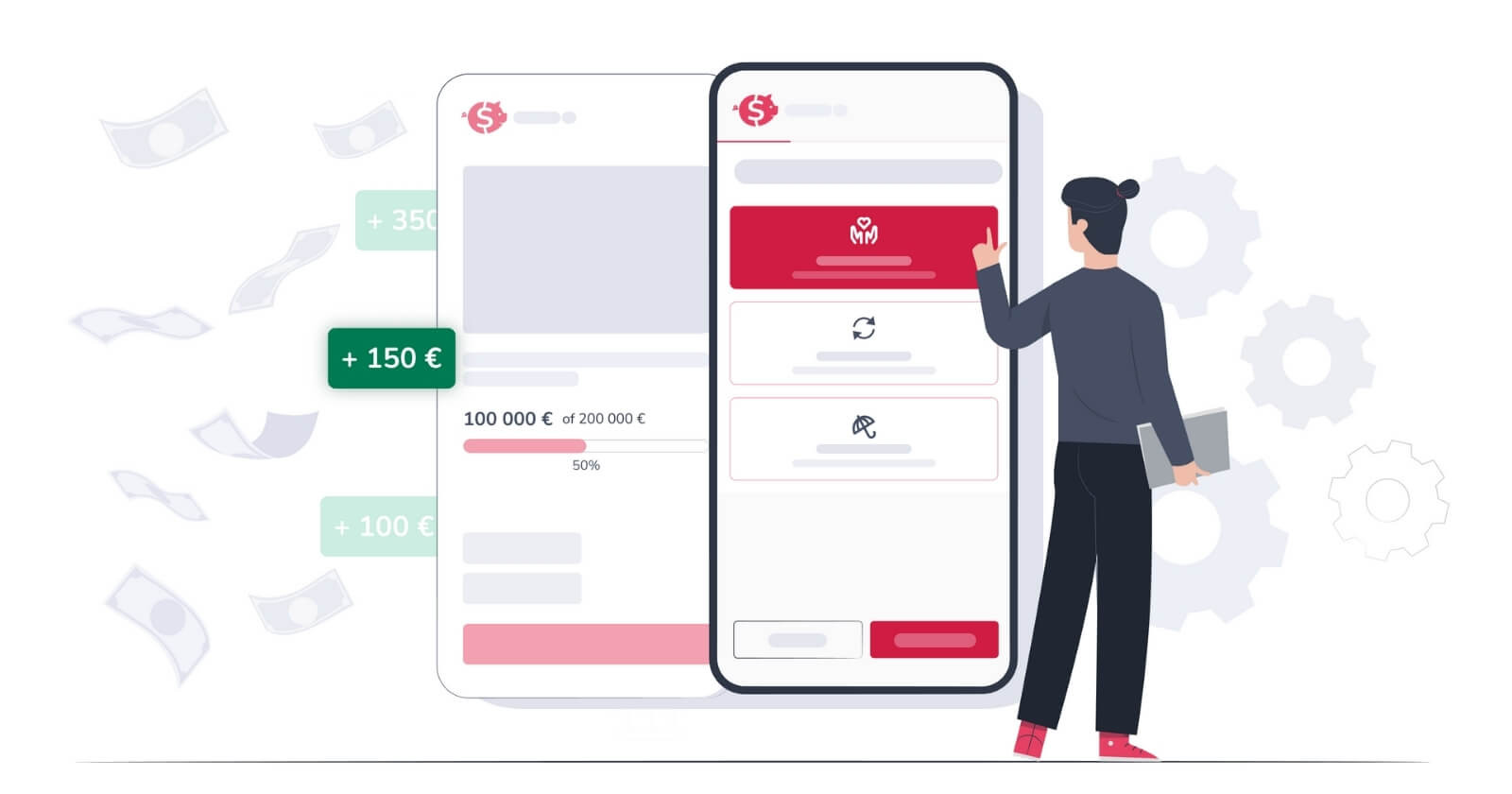
Starting fundraising on 4fund.com is quick and easy. Whether you want to raise money for a personal cause, charity, or artistic project, a well-prepared donation page makes it simple for supporters to donate. Because there are no fees, every donation goes directly to your cause! This guide will show you how to safely and efficiently start collecting donations.
What is fundraising
Fundraising is the process of collecting money to support a nonprofit organisation, a project, an individual cause, or a person in need. It can be done in many ways, from events and personal appeals to online campaigns.
Online fundraising is often done through crowdfunding platforms like 4fund.com, where people can create a personalised donation page and share it with friends, family, or a wider community.
Key terms to know:
- Crowdfunding – a popular way to raise money online. It involves collecting small donations from many people for a specific goal within a set timeframe.
- Fundraiser – an organised campaign to raise money. It includes the story of the cause, the purpose of the campaign, and ways to reach people and encourage donations.
- Donation page – the webpage where donations are made. It provides information about the fundraising campaign, explains the cause, allows donations, and tracks the campaign’s progress. On platforms like 4fund.com, the donation page is often the main page of the fundraiser.
With 4fund.com, a platform with a payment services provider licence that charges no fees, every donation goes safely and directly to your cause. Creating an online fundraiser is simple and can be done by anyone, even if you have never collected money online before.
Create a donation page for free!
Create a donation page for free!
How to set up a donation page
Creating a fundraiser (donation page) on 4fund.com is straightforward. A step-by-step form will guide you through setting up your page so you can start collecting donations.
In this guide, we focus on setting up a basic one-time fundraiser. However, you can also explore options for setting up a monthly donations campaign or fundraising for a non-profit organisation to suit different goals.
Start fundraising step-by-step form
- Go to 4fund.com.
- Click the button 'Create fundraiser – for free, no fee!' to start the fundraising creation step-by-step form.
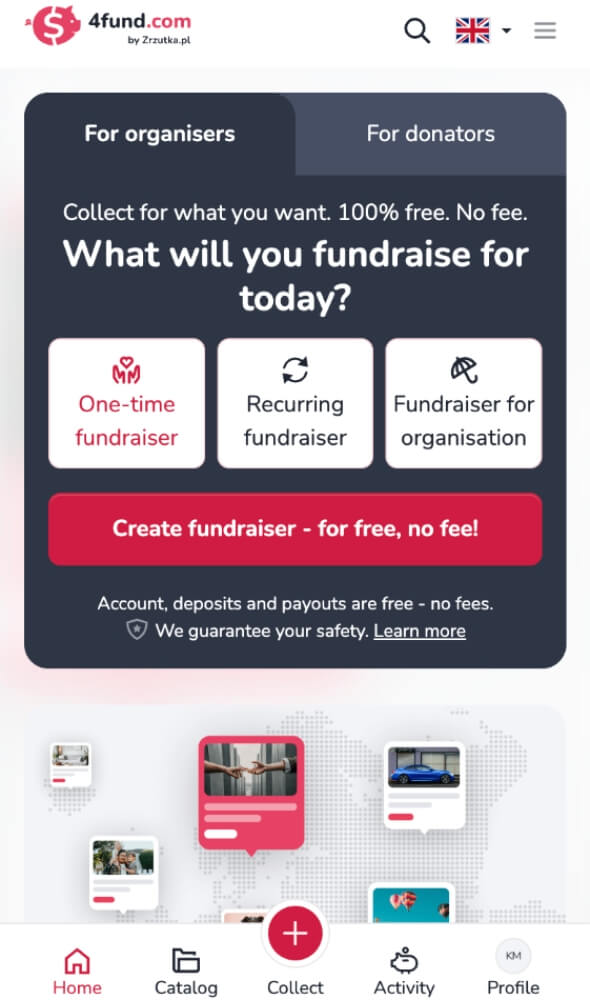
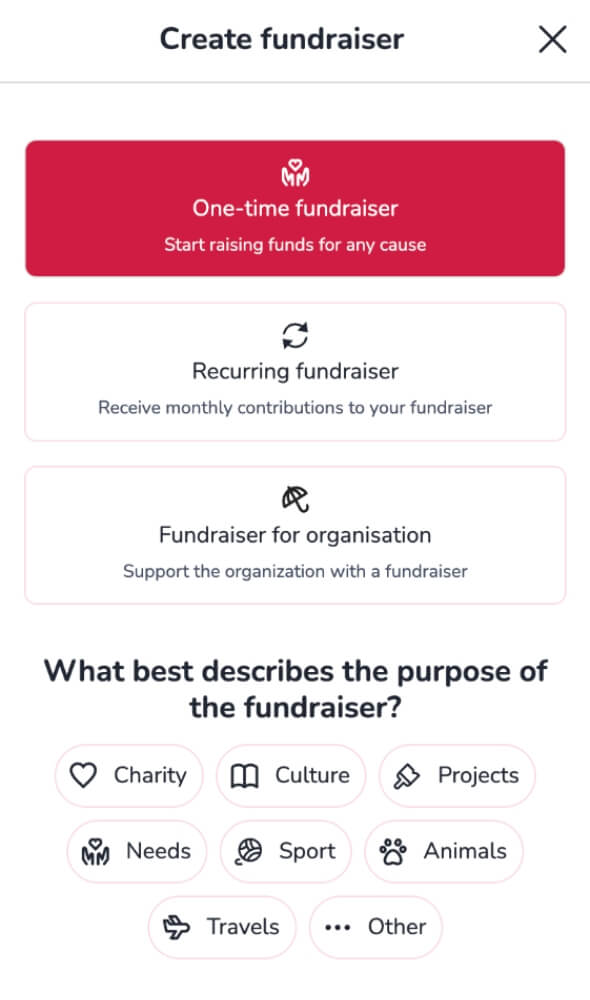
Select the type and category of the fundraiser
- Choose a one-time fundraiser as the campaign type.
- Select the category that best fits your cause: charity, culture, projects, needs, sport, animals, travels, or others.
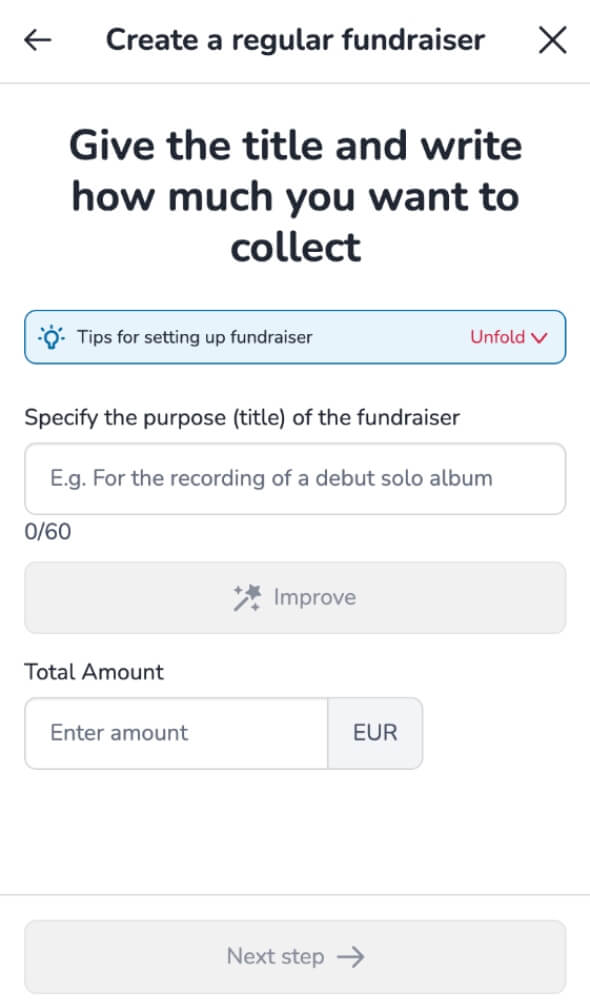
Add basic details of your fundraiser
- Write a clear and engaging title (you can improve it with the AI Assistant feature)
- Set a target amount – enter the amount you want to raise. This will help supporters to understand how much you are aiming to collect.
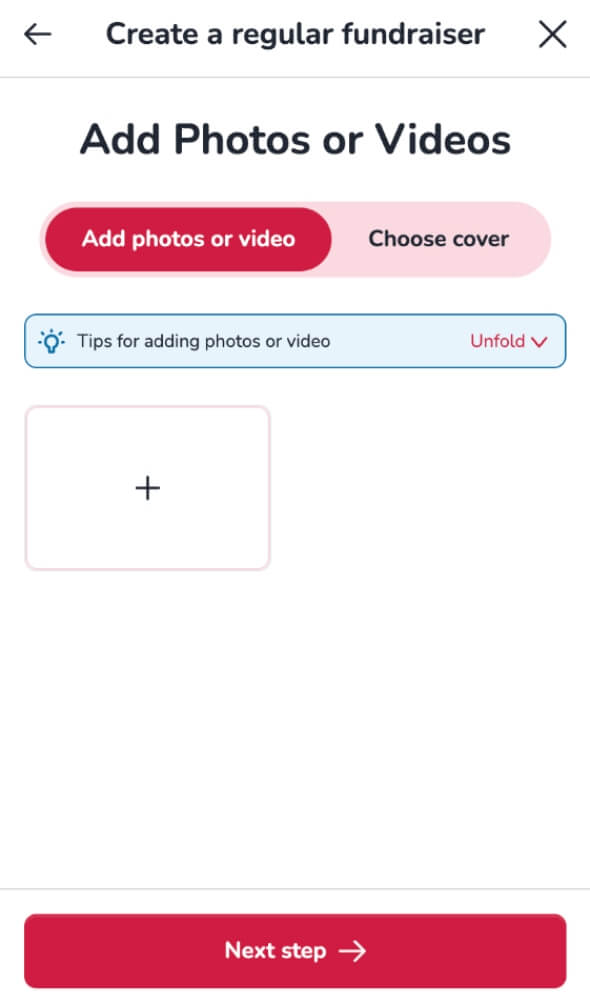
Add pictures and videos to your donation page
- Upload photos and videos that represent your cause.
- The first photo you add will automatically become the cover image of your fundraiser.
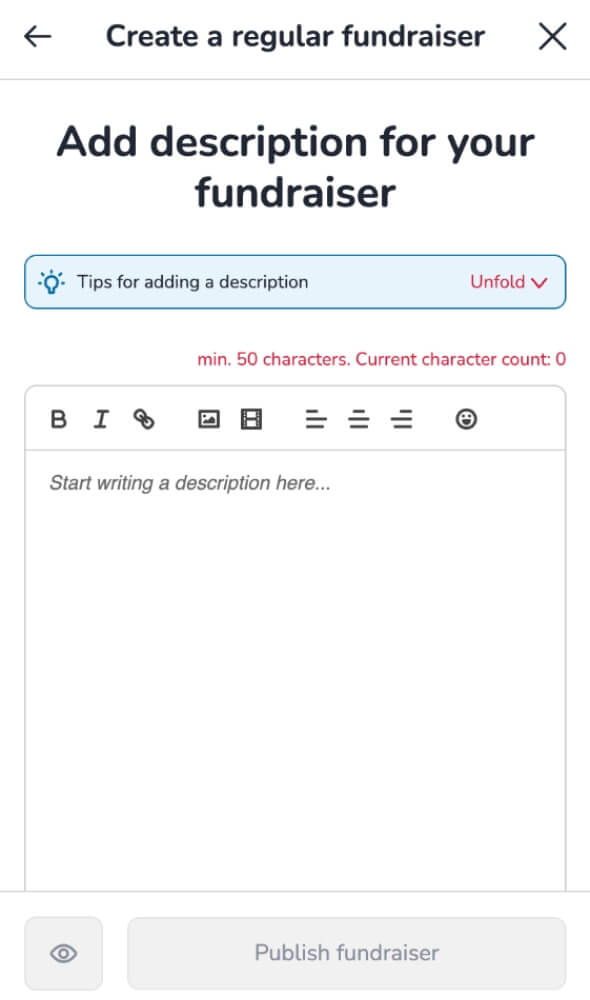
Write a fundraiser description
- Share your story and explain from the heart why you are collecting donations.
- Be open and honest! Let supporters see the real impact their contribution can have.
- Add photos, videos, and links to make your page more personal and engaging.
- Please remember to write your description in one language. It will be automatically translated into other languages.
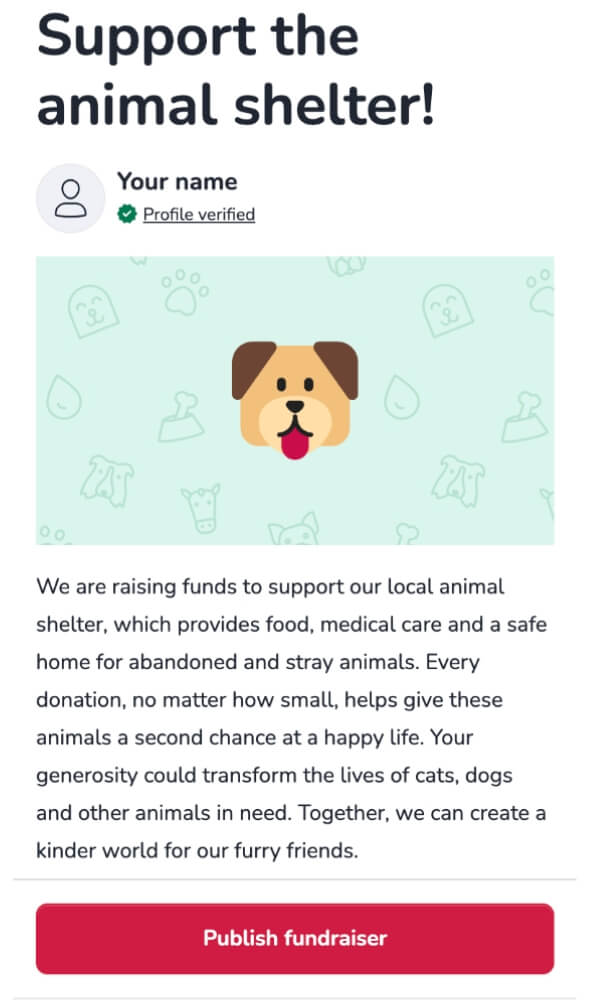
Publish your fundraiser
- Use the Preview option to check how your donation page will look.
- Once you’re satisfied, click Publish – your fundraising campaign will go live and start accepting donations safely, with no fees!
Start your fundraising efforts
Your fundraiser is now ready! Once you have verified your profile, you can start receiving donations.Remember, creating a donation page is just the first step toward running a successful fundraiser. Sharing your campaign and encouraging donors is the key to reaching your goal!
Explore all the advanced features of our platform and check out our fundraising guide, which includes a helpful checklist that will guide you step by step to run an effective fundraising campaign.
Useful tip: Fundraisers that are shared across multiple social media platforms can raise 5 times more money! According to our data, each share is worth about €25! Learn more about promoting your fundraiser.
Do you need to edit the fundraiser information? If you would like to, you can open the 'Basic information' form by clicking the 'Edit basic information' button under the fundraiser summary.
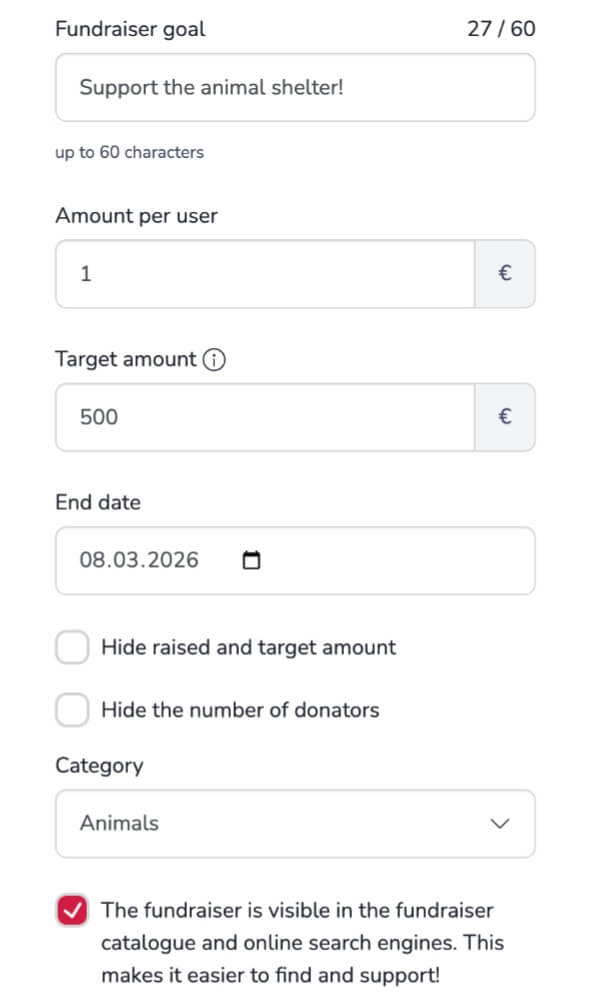
What you can edit:
- Change the fundraiser title
- Set a fixed donation amount per person
- Adjust the target amount
- Set the end date
- Hide the raised and target amounts
- Hide the number of donations
- Change the category
- Hide the fundraiser (it won’t be shown in our catalogue and search engines such as Google, Bing, etc.).
- Add a personalised thank-you message for donors
How to customise a donation page
Remember, it is possible to customise your donation page in many ways to fit your needs and give supporters the best experience. Make your fundraiser special by trying these additional options, which you can find directly on your donation page (below the cover photo and description).
Specify location
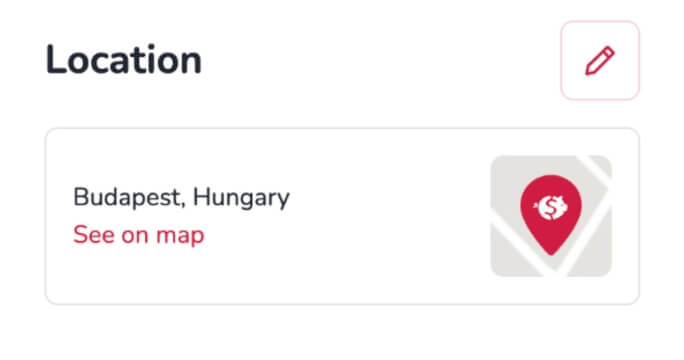
Add a location to your fundraiser. This helps supporters understand where your campaign is based and makes it more relatable and trustworthy.
To add a location, go to the section titled 'Location' under your fundraiser description and click the button next to it.
Add useful links
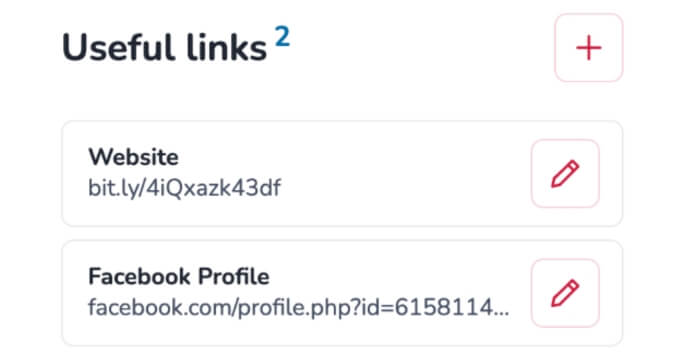
Share links to external websites, articles or social media pages that are related to you or your cause, as these will make your campaign more informative and credible.
To add links, go to the 'Useful Links' section and click the button next to it.
Update your followers
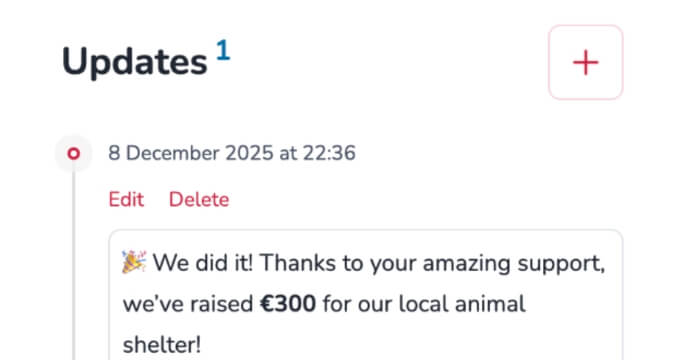
Write updates for your supporters. Regular updates will keep your audience engaged and build trust in your fundraising campaign.
To add an update, go to the 'Updates' section and click the button next to it.
Add offers and auctions
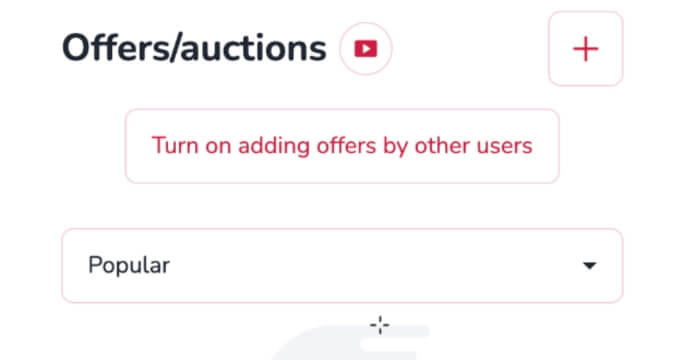
Furthermore, you can create offers and run auctions, and allow other users to do the same in support of your cause (learn more about adding offers by other users). This motivates supporters and makes the donation process more rewarding.
To manage purchasing and bidding, go to the ‘Offers/auctions’ section.
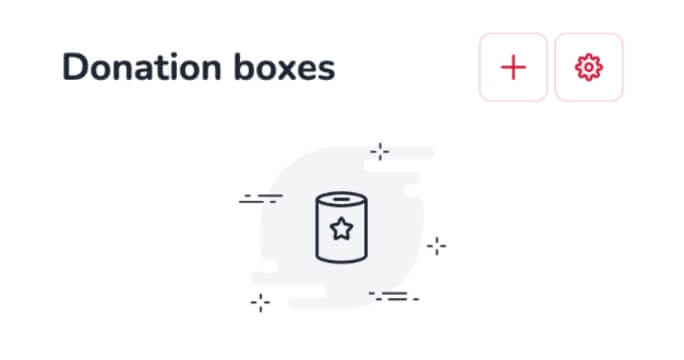
Control donation boxes
Other users can create donation boxes to appear on your fundraiser, which will help to raise money for your cause. However, if you would prefer not to, you can choose to disable this feature at any time.
In the ‘Donation boxes’ section, you’ll find two buttons: one to add a donation box and one for settings to enable or disable them.
Manage donations
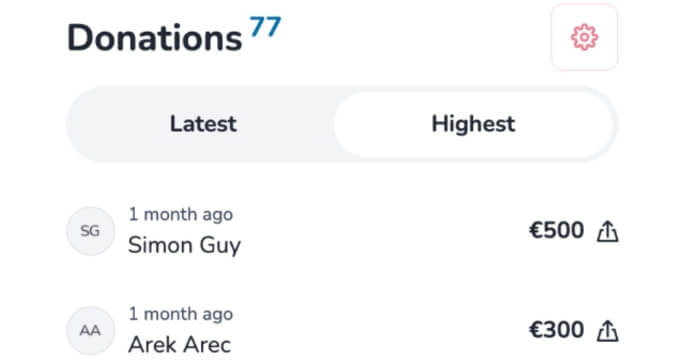
You can hide donation amounts and names of donators (as the organiser, you will still have access to this data), and enable monthly payments if desired. This gives you full control over how supporters can donate to your fundraiser.
All of these options are available by clicking the edit button in the “Donations” section.
Manage the comments section
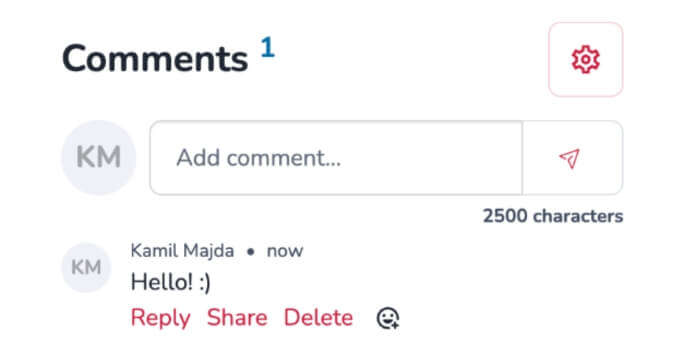
You can adjust the comment settings. By default, only donators can comment, but you can either disable comments entirely or allow everyone to post. This gives you greater control over discussions and helps to prevent spam.
In the ‘Comments’ section, you’ll find a button to edit the settings, as well as a field to write your own comment.
Integrate a donation page
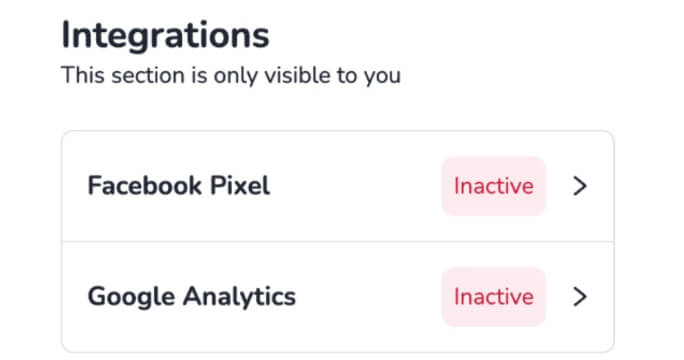
Integrate your donation page with Facebook Pixel and Google Analytics to track visitors and gain insight into how your fundraiser is performing. These features will help you to plan and optimise your campaign effectively.
These options can be found in the 'Integrations' section. Read our guides to gain a better understanding of these advanced analytics features.
Verify the fundraiser
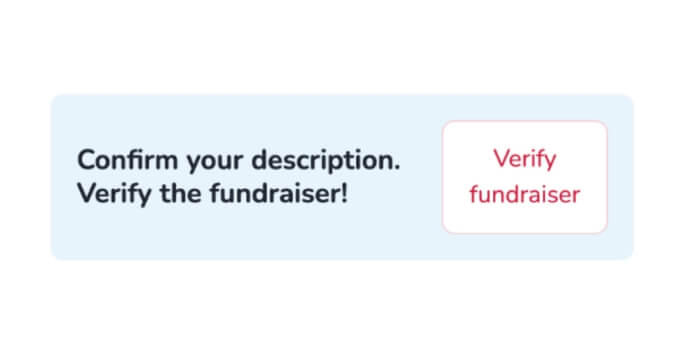
Finally, you can verify the description of your fundraiser. Although this verification is not always required, doing so makes your campaign appear more authentic and increases supporters' confidence. Once you have verified the description of your fundraiser, you will no longer be able to edit it.
To start the verification process, click the ‘Verify fundraiser’ button located in the blue field under the ‘Integrations’ section.
Create a donation page for free!
Create a donation page for free!
Donation Page – Key Features
- Multiple campaign types: You can create a one-time fundraiser, a recurring fundraiser, or a fundraiser for an organisation, all with the same flexible features.
- Easy to set up: Launch any fundraiser in just a few steps, with no paperwork required.
- Free of charge: There are no fees for running a campaign, receiving donations, or making withdrawals.
- Customisable page: Tailor your donation page with options like hiding amounts, enabling monthly payments, private campaigns, updates, offers, and auctions.
- Fast payouts: Withdraw collected funds at any time, instantly, and without delays.
- Wide choice of payment methods: Donations can be made using a variety of global and local payment options, including Visa, Mastercard, Revolut, N26, Zen.com, Bancontact, MB Way, MB Multibanco, eps-Überweisung, Skrill, Apple Pay, Google Pay, Sofort, iDeal and others.
- Secure payment processing: All donations are handled safely, with no fees, ensuring reliability for you and your supporters.
- International reach: Automatic translation into 30 languages makes fundraisers accessible to supporters worldwide.